 Phipaya
Screenshots
Swipe to see more.
Main features
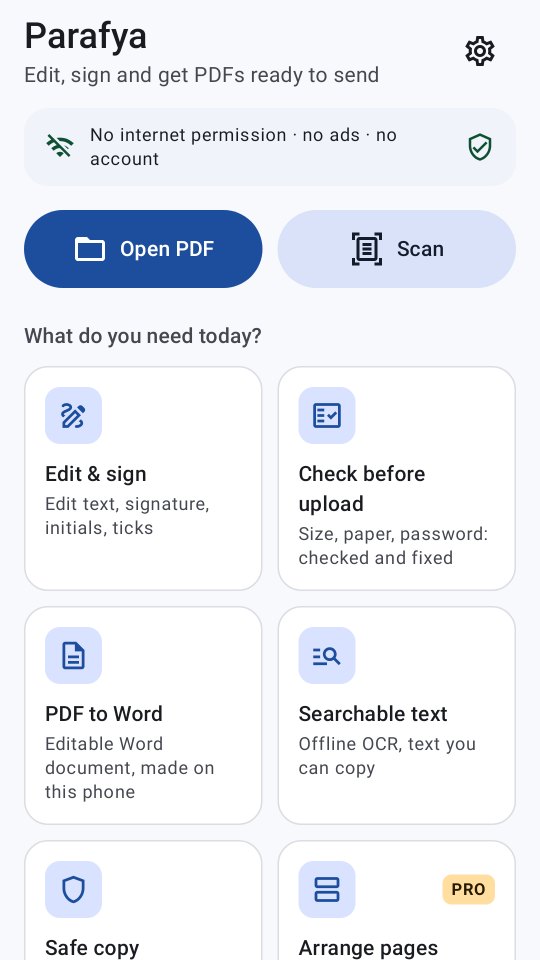
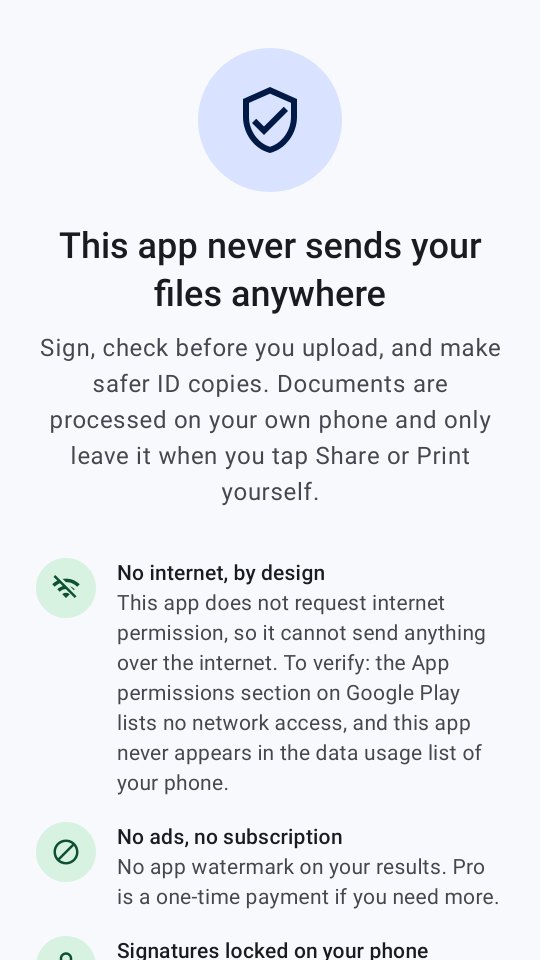
No account, no ads. Your documents are never uploaded.
Place your own signature, initials or stamp, then add text, dates and ticks. Digitally signed files are saved without changing the signed part.
Tap a line, change it, save. Honest note: the old text is only covered and is still inside the file.
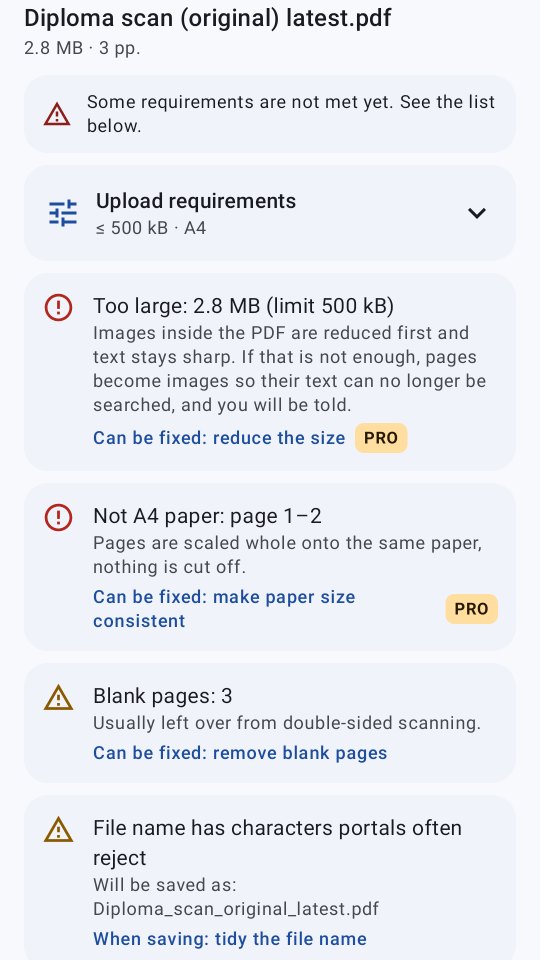
Set rules for size, paper and page count. Fix findings with one tap, including shrinking the file.
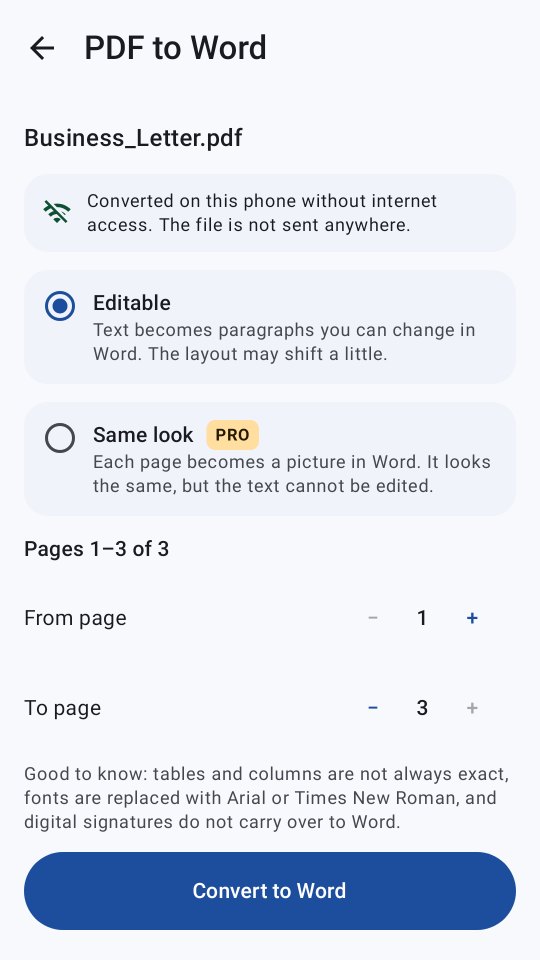
Text becomes editable paragraphs, or each page becomes a picture that looks exactly the same. Made on your phone, no server.
Scanned pages are read on your phone and get a text layer you can search and copy.
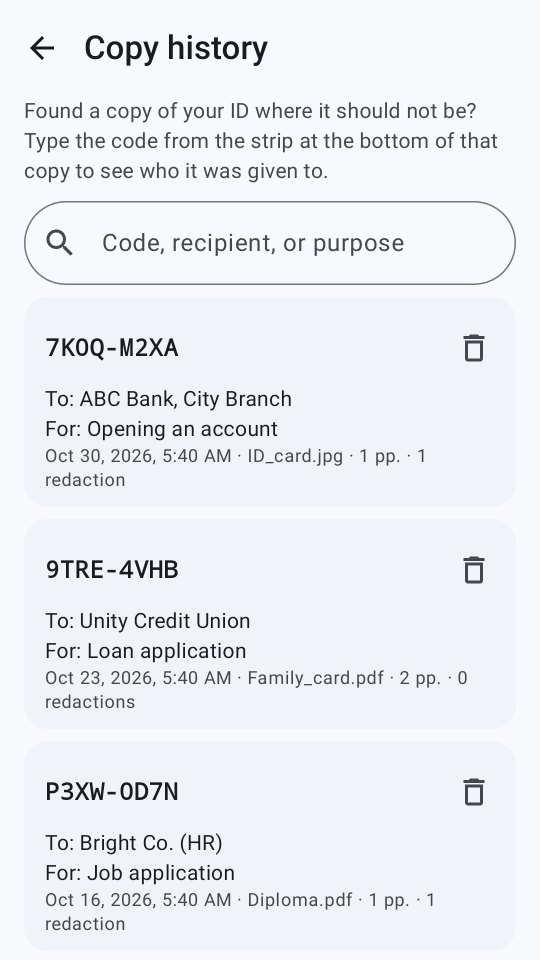
Watermark with recipient, purpose and a code; redact important numbers; encrypted copy history.
Privacy
Parafya does not request the internet permission, so it cannot send documents or any data off your phone. Read the Parafya privacy policy for details.
Signatures in Parafya are images of your signature, not certified electronic signatures. Parafya is not affiliated with any government agency. Microsoft Word is a trademark of Microsoft Corporation.